Check and return a missed call
Use Elder Dialler's badge and private call history to identify a recognised caller before returning the call.
When someone called you
Review the call safely
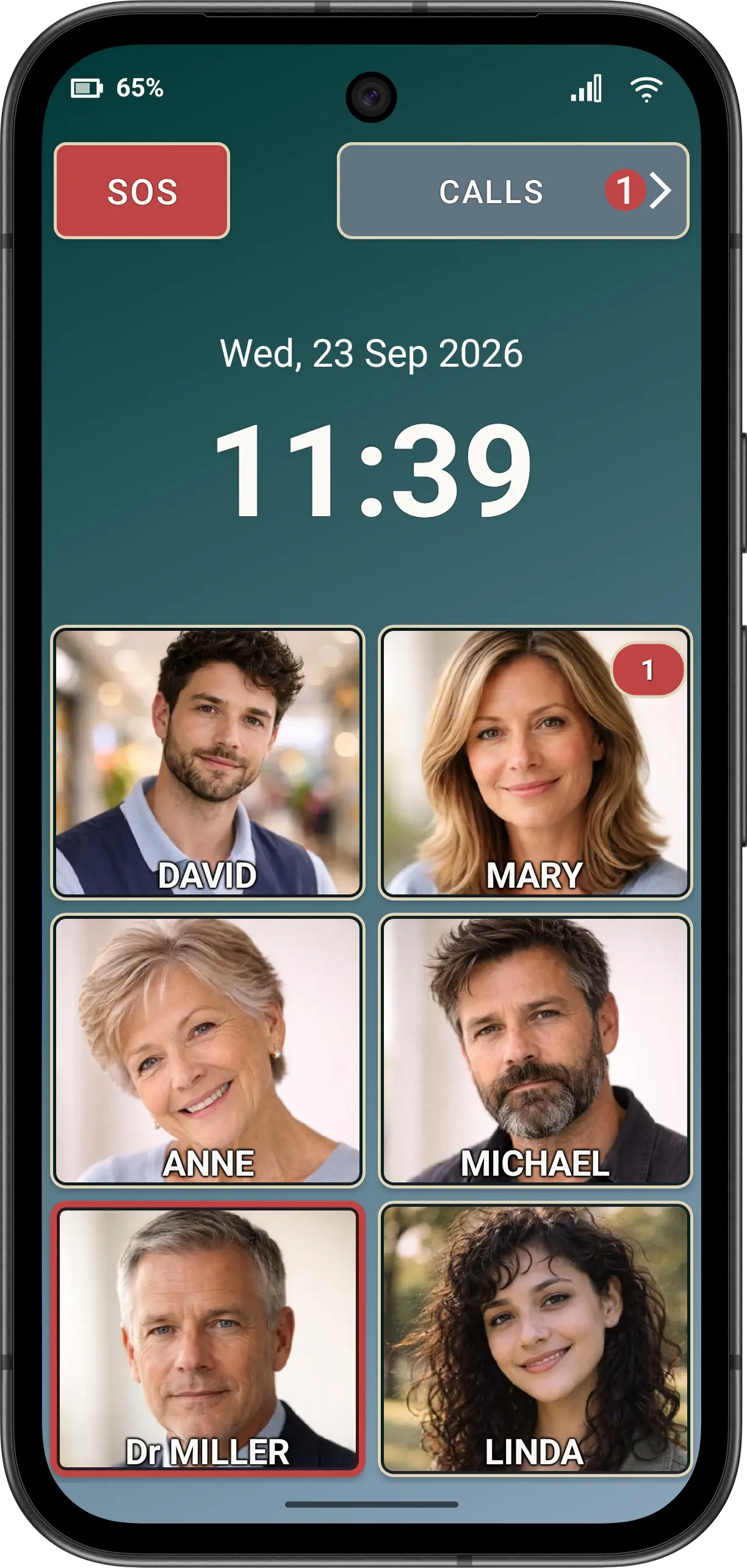
- Look for a missed-call badge. Shared badges can appear on Main, Contacts and Dial Pad navigation and can show single- or multi-digit counts.
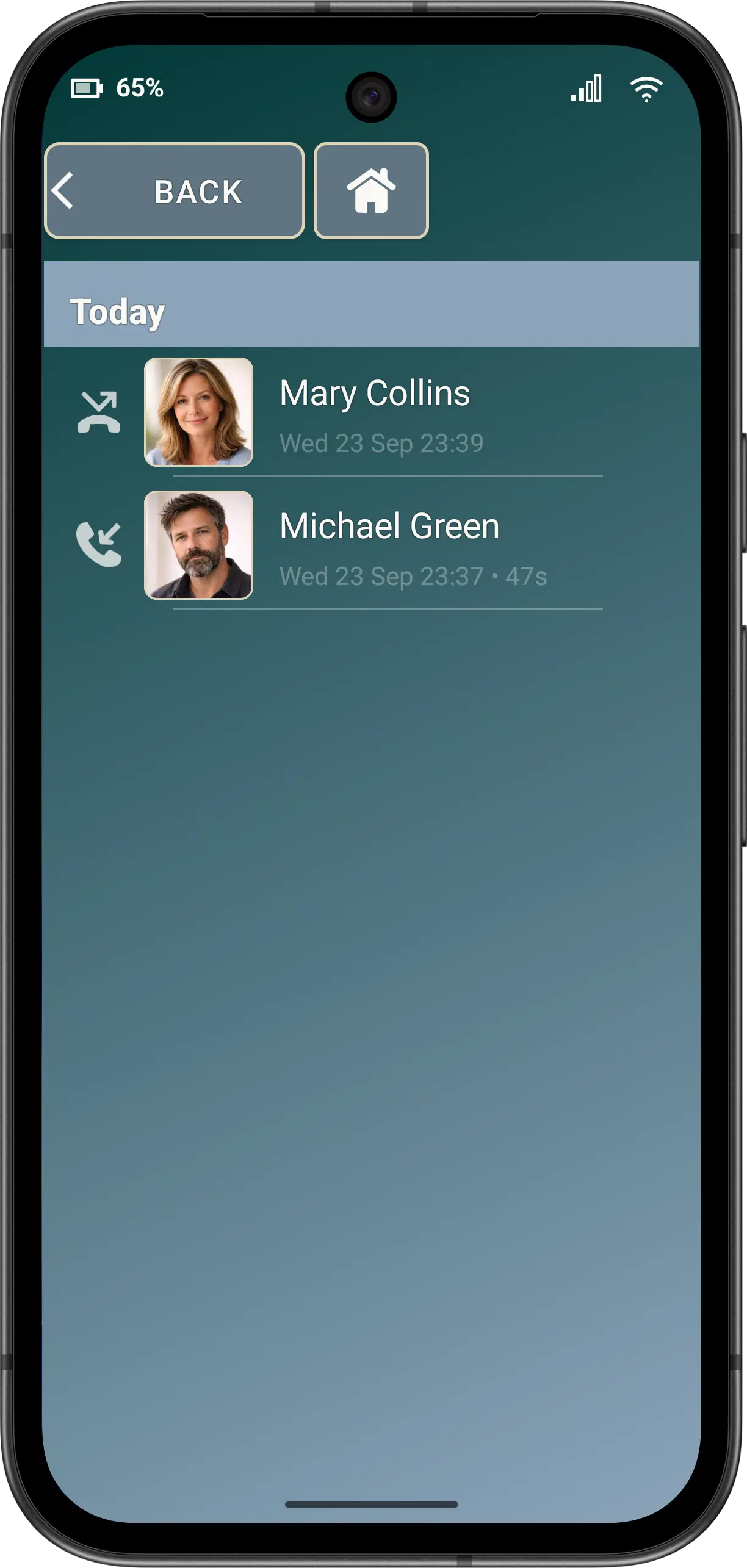
- Tap CALLS or the history navigation action. Opening history acknowledges only the displayed missed-call range, so a newer concurrent missed call is not accidentally marked seen.
- Find a caller you recognise. History is grouped with date labels for the effective app language. A missed call uses the missed-call symbol; an outgoing call uses the outgoing symbol.
- Tap the intended entry. If Ask before dialling is enabled, choose CALL only after checking the displayed identity and number.
Do not recognise the name or number? Do not return the call. Ask a family member or carer to check it.
An assigned speed dial can also show a per-number missed-call marker. App-owned missed-call notifications open Elder Dialler call history rather than requiring the Android phone app.
Disclaimer: All names, contact details, and images displayed on this website and shown within the Elder Dialler application are entirely fictitious and are used for demonstration and illustrative purposes only. Any resemblance to real persons, living or deceased, is purely coincidental. No content is intended to represent, simulate, or replicate any actual individual.