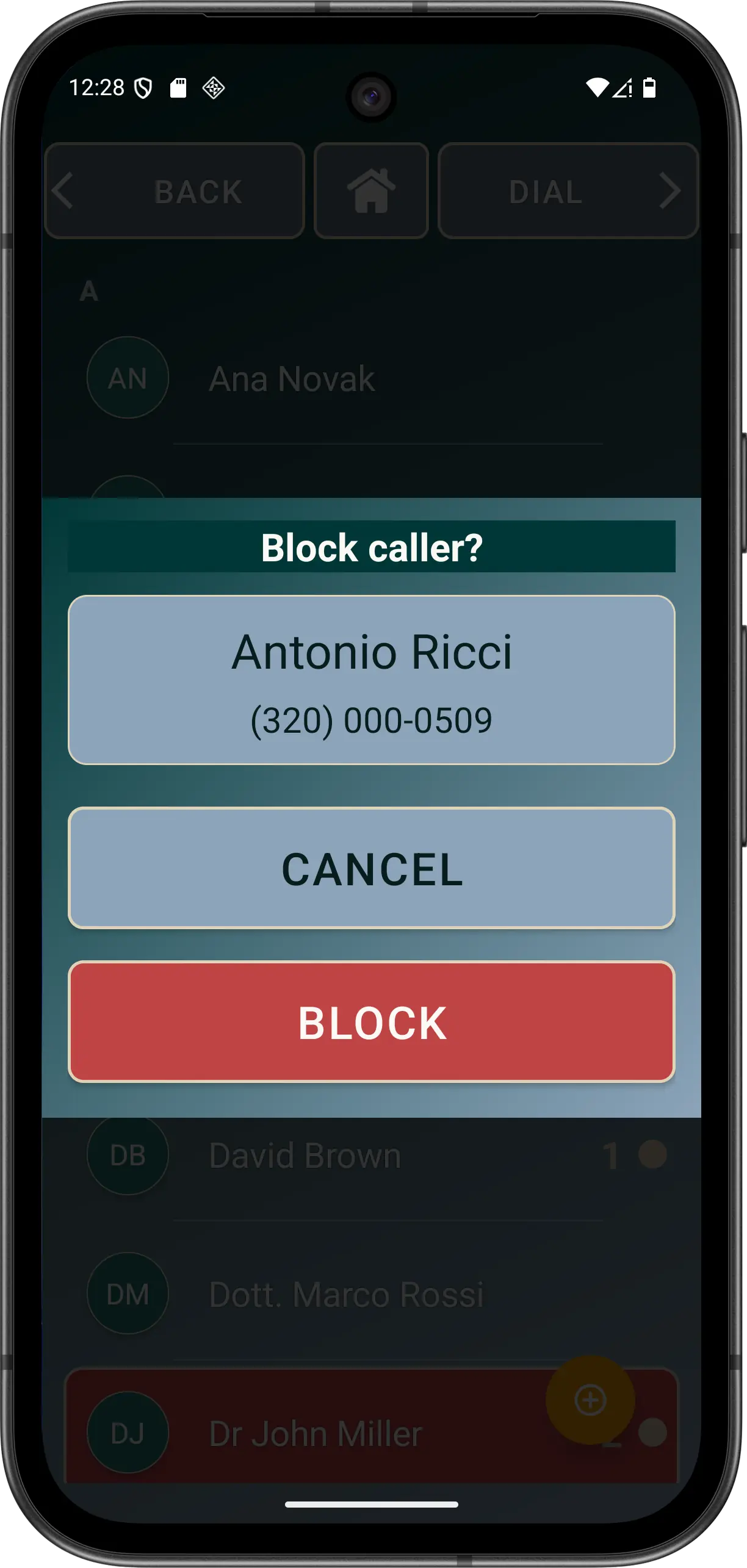
Explicitly blocked number
A specific canonicalised incoming number is rejected before Safe Call Mode is evaluated. Blocking works whether Safe Call Mode is on or off.
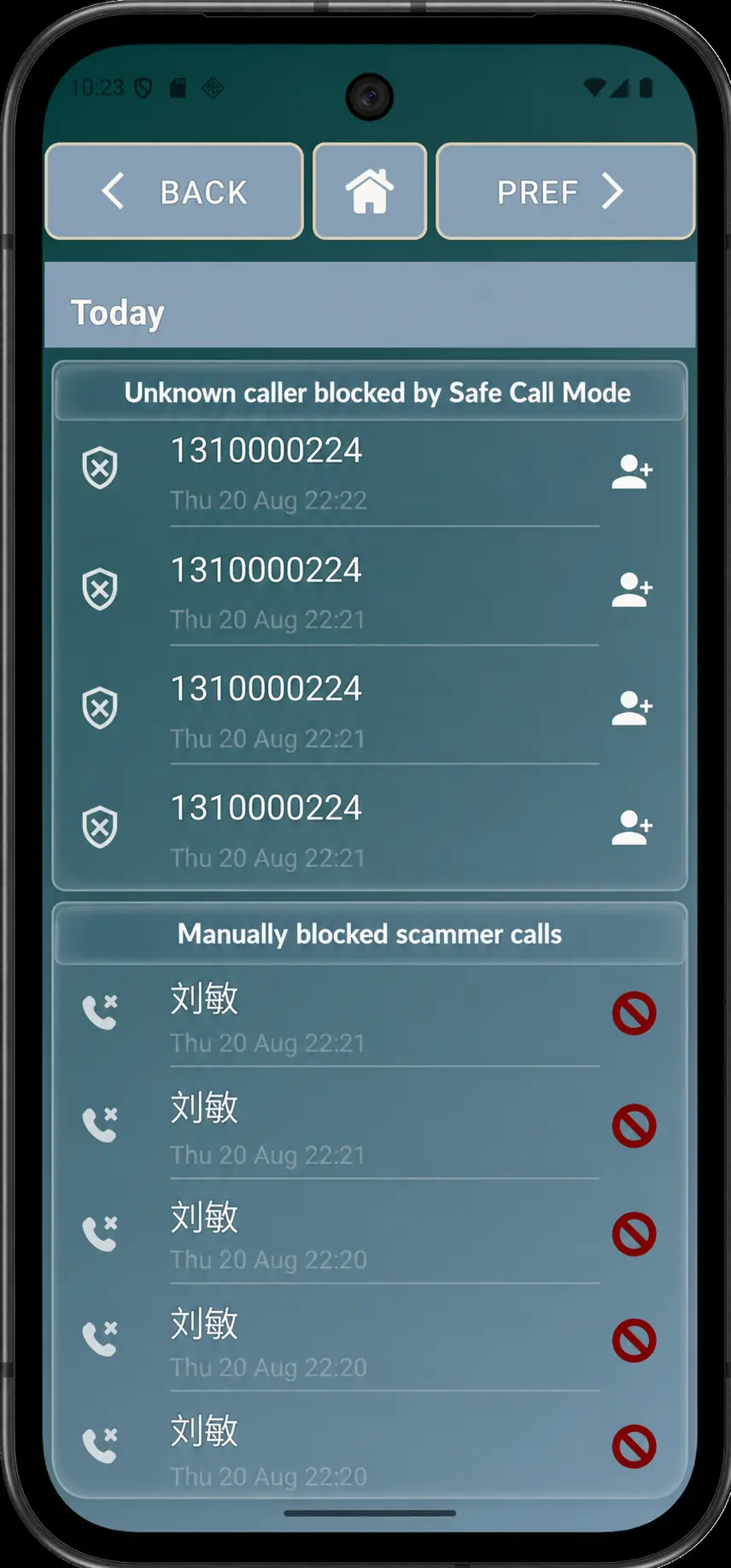
Explicit blocking and Advanced Safe Call Mode reject calls for different reasons and have different limits.
A specific canonicalised incoming number is rejected before Safe Call Mode is evaluated. Blocking works whether Safe Call Mode is on or off.
When Advanced ownership and usable Contacts access are available, visible matching Contacts are allowed while unmatched, invalid or private numbers are rejected.
Contact matching considers formatted, canonical and cautious local candidates. Review country and area codes when a known person is unexpectedly rejected. A contact configured for SOS/emergency use cannot be explicitly blocked.
Rejected attempts can remain in Elder Dialler's private history with the explicit-blocking or Safe Call Mode reason when known.
Important limits: if usable Contacts access is unavailable, Safe Call Mode fails open rather than rejecting every caller. It cannot reliably identify spoofed numbers and may reject a legitimate health service, neighbour or other caller whose number is not saved.
Test with a consenting saved contact and a known unsaved number before relying on the setting. A displayed contact name does not prove the caller's identity.