Get help with the phone
Simple guidance for unexpected screens or calling problems.
If something looks wrong
Ask someone you trust
- Stop before changing anything.
- Ask the family member or carer who set up the phone. Tell them what you can see on the screen.
- Follow their instructions one step at a time.
Carer or exit help: If your family member or carer asks you to, press and hold the clock for five seconds. This opens help for leaving the Elder Mode screen. Wait for them to guide you.
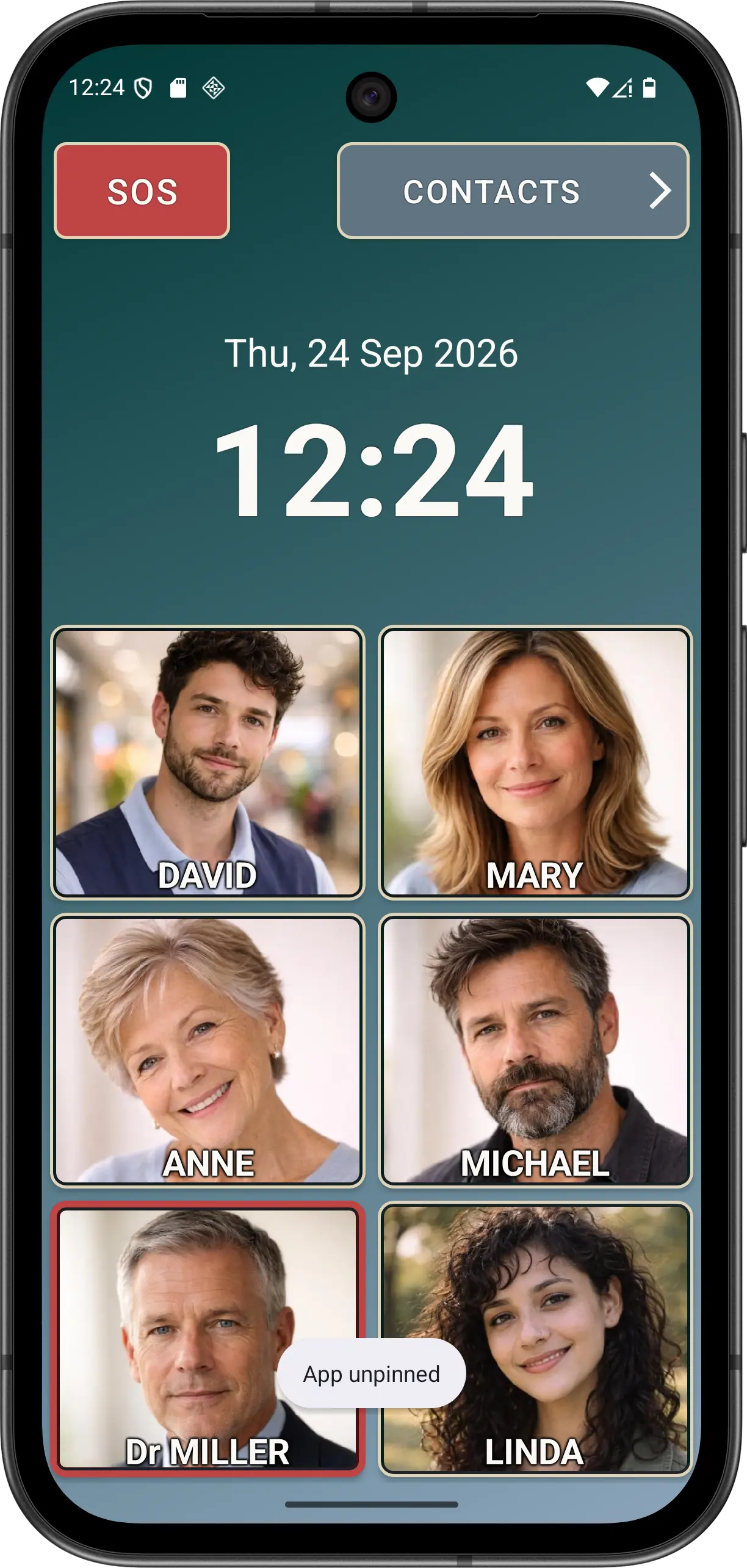
Android phones can use different buttons or gestures to leave a pinned screen. The person who set up this phone should use the instructions for this device.
Disclaimer: All names, contact details, and images displayed on this website and shown within the Elder Dialler application are entirely fictitious and are used for demonstration and illustrative purposes only. Any resemblance to real persons, living or deceased, is purely coincidental. No content is intended to represent, simulate, or replicate any actual individual.