Contact images
Show current resolved contact photos with text or initials fallbacks.
Contact imagesAdvanced is one non-consumable Google Play entitlement that unlocks four optional features.
Available now: Advanced is a one-time Google Play purchase. It is currently AUD $9.99 in Australia, with the applicable price confirmed by Google Play before purchase.
Production builds do not use the beta bypass. Google Play verifies ownership and Elder Dialler caches a verified entitlement for the same installation so a temporary Play connection loss does not immediately remove previously confirmed features. A stale preference cannot enable a locked Advanced function.
Show current resolved contact photos with text or initials fallbacks.
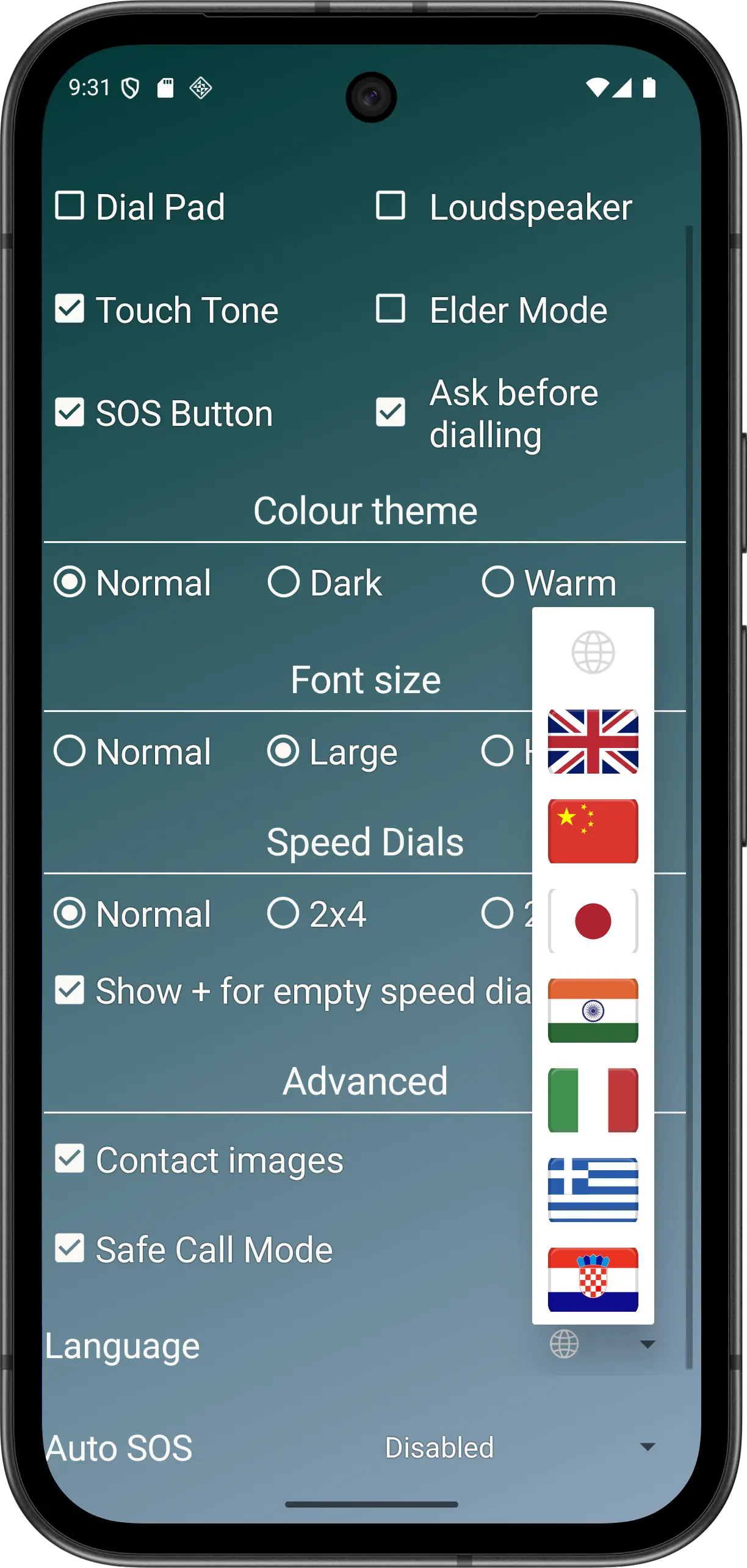
Contact imagesFollow the system language or use one of seven named app languages.
LanguageUse Disabled, 10, 15, 20, 30 or 45-second automatic continuation.
Auto SOSFilter unmatched, invalid or private incoming numbers when usable Contacts access is available.
Safe Call Mode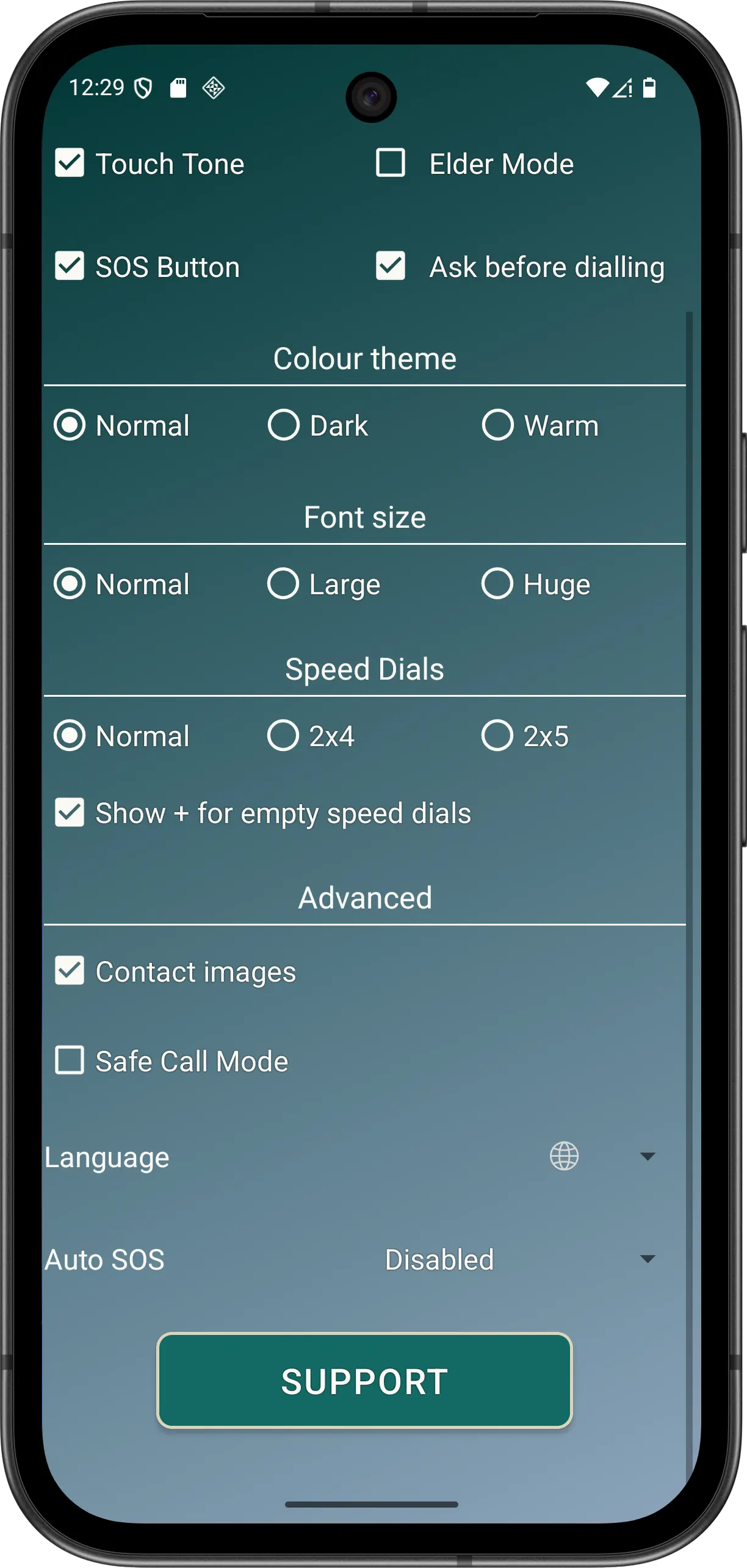
Still free: core calling, speed dials, manual SOS, Elder Mode, themes, fonts and Show + do not require Advanced.